Media System Operation Guide
Cosmetology Classroom
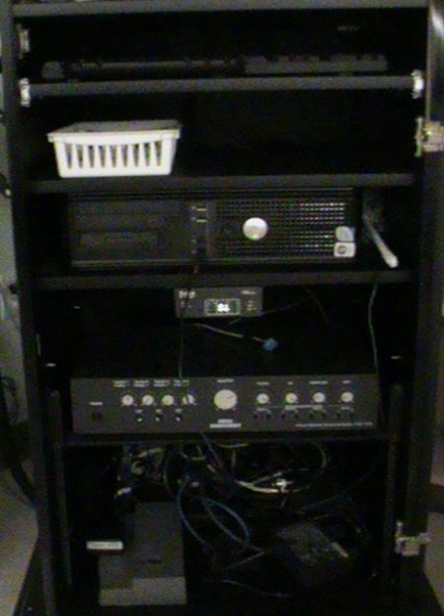
Computer
1: Turn on the data projector. (The ON button is located on the remote control)
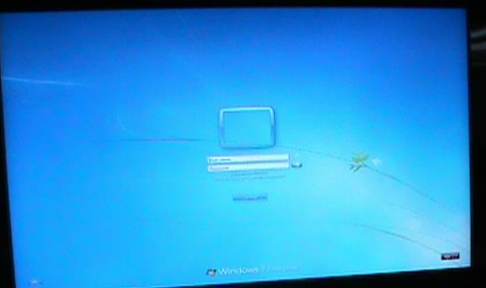
2: Turn on the computer.
3. Audio Enhancement Software is activated from IE icon which controls the camera. Icons: Projector and Ceiling Camera
Laptop
1: Turn on the data projector. (The ON button is located on the remote control)
2: Connect a VGA cable to the laptop interface.
* If you don't get an image from your laptop, "on your laptop keyboard" press (fn) + (CRT/LCD). In most laptops pressing the fn + CNTL keys simultaneously toggles the display between laptop, projector, or laptop + projector.
DVD
1: Turn on the data projector. (The ON button is located on the remote control)
2: Play DVD from the pc.
VCR
WINTV icon on the desktop controls the vcr.
Audio
Sound: The volume control knob is located on the tuner. Data projector: To turn data projector off, select the OFF button located on the remote control.
Please submit a ticket or call extension 6411 for classroom orientation.