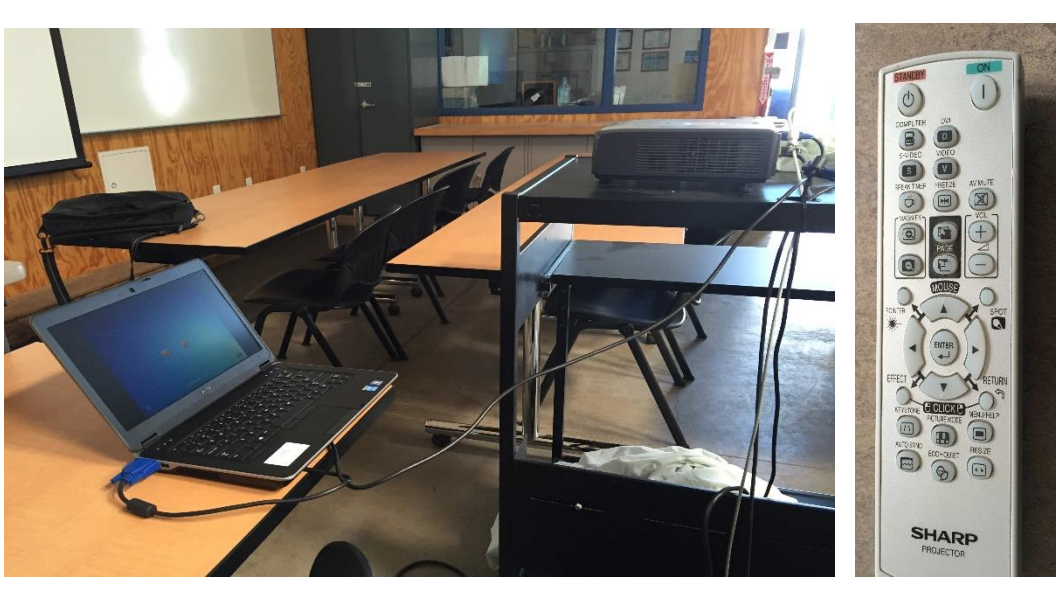
Media System Operation Guide
CT 111 Classroom
Computer
1: Turn on the data projector using remote Sharp.
2: Turn on the computer. Laptop 1: Turn on the data projector.
2: Connect a VGA cable to the laptop interface to dataprojector.
DVD/VCR
1: Turn on the data projector.
2: Select the DVD or VCR button.
3. Remote Control - Panasonic
Audio
Sound: The volume control on pc.
Data projector: To turn data projector off, select the OFF button located on the remote control.
Please submit a ticket or call extension 6411 for classroom orientation.