Body
SJCC Projector Setting.
If you see no image on the projection screen, the display settings on the Windows PC may need to be changed.
Other instructors may sometimes use the "Show only on 1" option so that students cannot see the projection screen while the instructor work on the PC. This setting will cause no image to display on the projection screen. To fix this, you need to set the display settings to "Duplicate these displays".
To change the display settings, right-click on the desktop of the PC and select "Display settings".
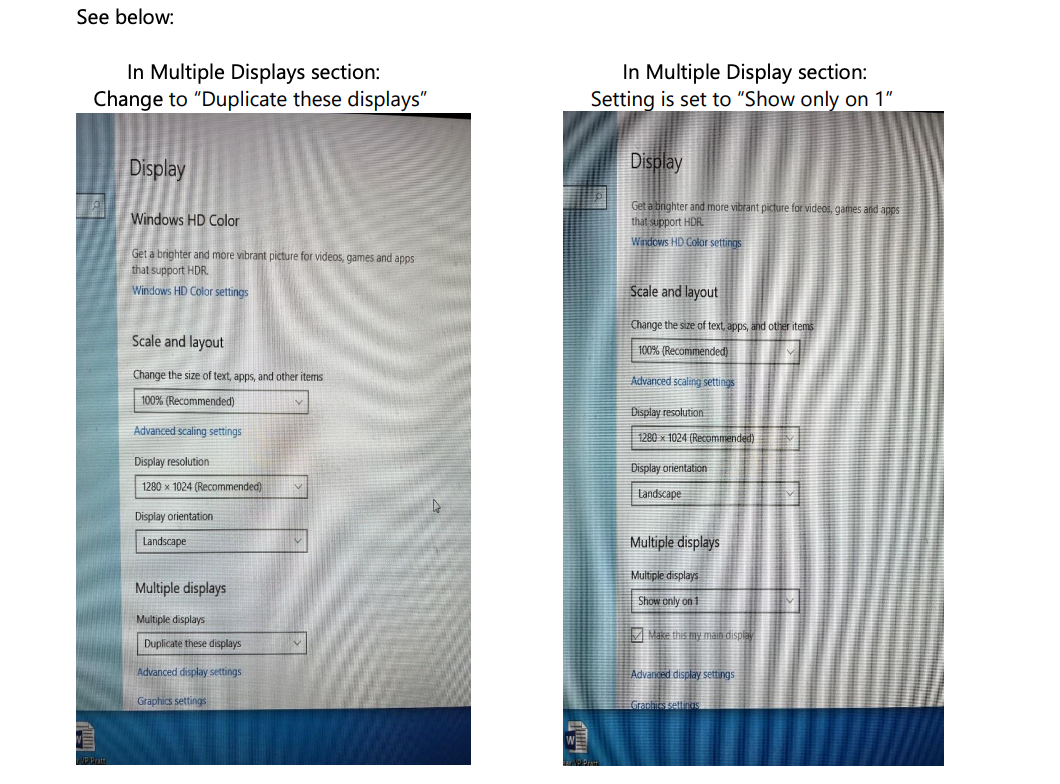
In the "Multiple displays" section, change the setting to "Duplicate these displays". This will cause the computer to display the contents onto the projector.